Adjust measurement filters and dimensions
Select measurement references and customize dimension display
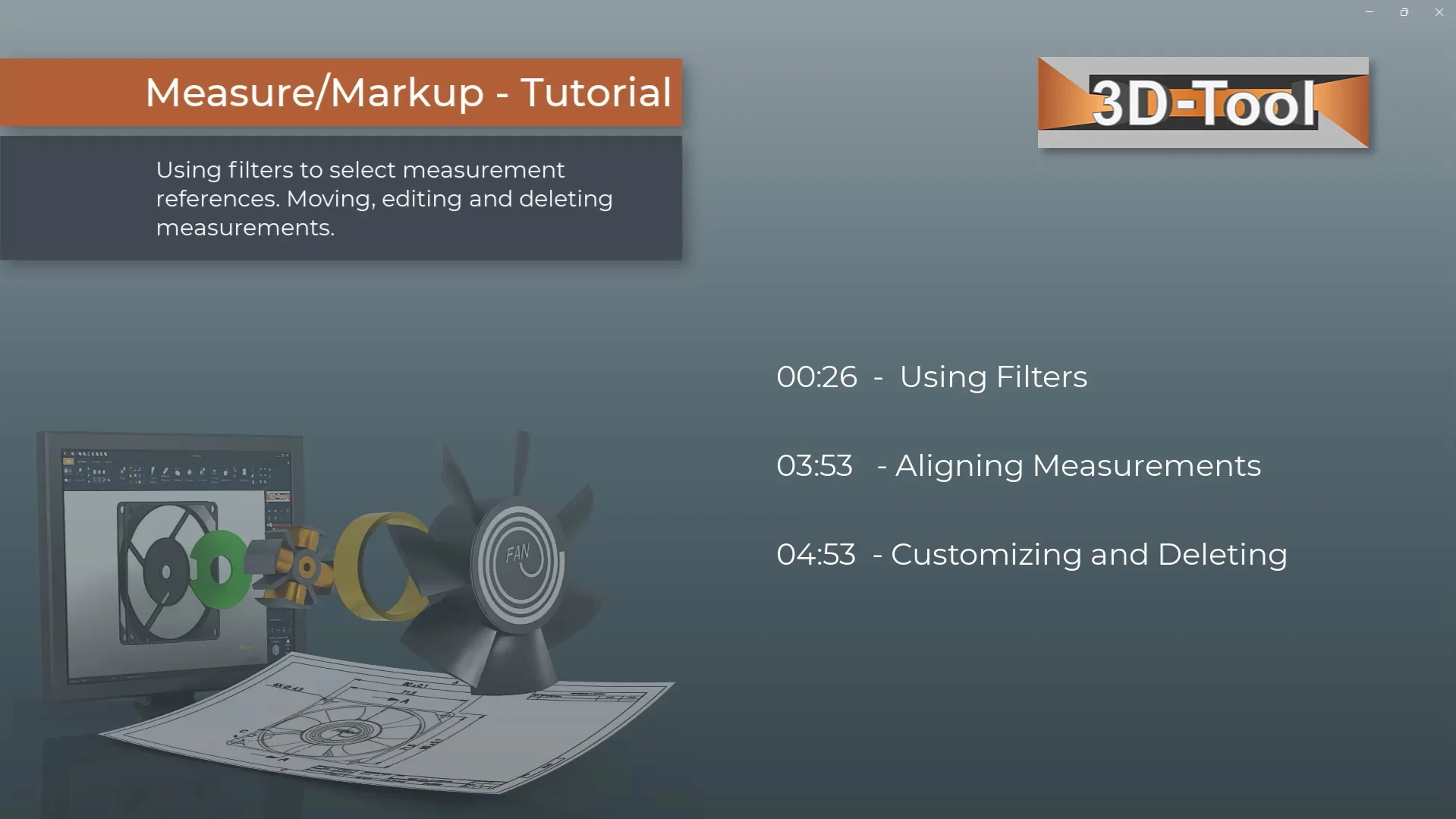
Chapter selection
Video content
- Using Filters
- Aligning Measurements
- Customizing and Deleting
Transcript of the video
In the following tutorial, you will learn how to use the filters to select measurement references, move texts, notes, and their points of reference, and adjust and delete text sizes, colors, and decimal places, and delete measurements.
The filters simplify the measurements by selecting only specific measurement references. The Plane filter activates flat surfaces. The Edge filter activates straight edges and lines. The Point filter activates mesh points of surfaces and edges and reference points included in the model. For distance measurements with a point as the measurement reference, the direct distance and the distance in X, Y and Z directions are displayed. The Center of circle filter activates circular arcs to use their centers as measurement references.
The Reference point filter activates reference points contained in the model. The Point filter activates the selection of free points on surfaces as reference. The Point on edge filter activates the edge center point of a selected edge as a measurement reference. The Center of circle filter lets you pick three points to create a circular arc and activates its center as a reference. Use this filter to select the center of a circle that the automatic Center filter does not detect. The Intersection of two edges filter activates the intersection of two edges or a surface and an edge as a measurement reference.
Text boxes and their point of reference can be moved. 3D-Tool helps by limiting the movement in a reasonable way. Movable points of reference are identifiable by their yellow color.
Select the dimension you want to change. The active dimension is highlighted with a red frame. Change the color, size, and decimal places. The Change Dimension button opens further functions and lets you delete the dimensions. You can also access all functions and settings by right-clicking on any dimension. Use Edit info text to add informational text to measurements.