3D-Tool - Features
Presentation, analysis, conversion
intuitive & practical 3D without CAD expertise
affordable & universal many 3D/2D interfaces
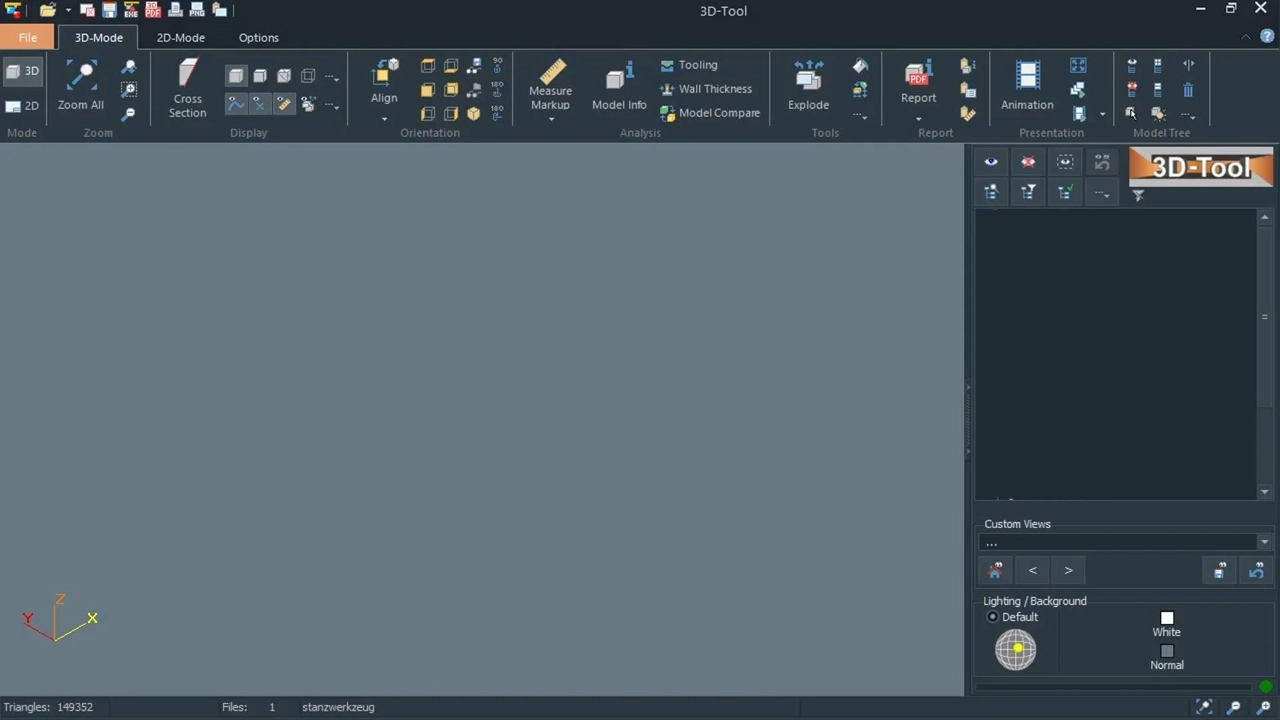
Features of the 3D-Tool CAD Viewer
Viewer and converter interfaces
- 3D reader for many visualization formats, 3D exchange formats and native formats from the leading CAD systems: CATIA, Designcenter (Siemens NX), Creo, SolidWorks, Designcenter Solid Edge and Autodesk Inventor
- PMI display for 3D models from CATIA, Creo, Designcenter (Siemens NX), and SolidWorks as well as JT, 3DXML and STEP AP242
- 2D reader for DWG and DXF drawings
- 3D-NativeCAD Converter for converting native 3D CAD models into 3D exchange formats
- Supported file formats by edition:
- 3D-Tool Basic: 3ds, 3mf, asc, dwg (2D), dxf (2D), hpgl, obj, iv, ply, slp, stl, wrl, xgl, zgl
- 3D-Tool Advanced additionally: step, stp, stpz, iges, igs, vda, sat, x_t, x_b
- 3D-Tool Premium additionally: 3dm, 3dxml, asm, catpart, catproduct, cgr, dae, dgn, dwg (3D), dxf (3D), gltf, iam, ipt, ifc, jt, prc, model, par, psm, rvt, rfa, sldprt, sldasm, u3d

Display and presentation
- Navigation with simple mouse actions
- Search and filter the model tree for parts and assemblies
- Create cross sections and exploded views
- Customize the graphic display of parts and assemblies
- Add annotations to 3D models
- Color parts, surfaces and curves
- Add redline markups to 2D drawings
- Copy, move, rotate, mirror and scale parts
- Full screen mode and support for 3Dconnexion 3D mice
- Program interface in English, German, French, Korean and Spanish language as well as in several modern color styles

Measurements and analyses
- Wide range of 3D measuring tools: distances, angles, radii, minimum bounding box, wall thickness, free space and area
- Information about the volume, weight, center of mass, surface area and contour of parts and assemblies
- Measure distances, angles and radii in 2D drawings
- Loading multiple models and comparing CAD models
- Tooling Analysis with undercuts and projected area
- Wall thickness analysis with two calculation methods: single ray and fitted ball
- Collision analysis for detecting part overlaps and insufficient distances
- User-defined reports (BOM, model overview, dimensions, weights) and report output as PDF, RTF, and HTML
- Professional Digital Mock-up (DMU) without an additional CAD license

Publish and save
- Publish 3D models and 2D drawings with the 3D-Tool Viewer as directly executable EXE files, or save them as DDD files for the separate 3D-Tool Free Viewer
- Publish 3D models as 3D PDF for Adobe Reader or as HTML web page for modern browsers
- Combine models and parts into new assemblies and models
- Save in several visualization formats such as STL, OBJ, 3DS, and PLY, for example for 3D printing and 3D rendering
- Integrated screenshot-to-clipboard function
- Full-scale printing and printing of multiple views on one sheet
- Export high-resolution PNG, JPG, and BMP images
- Export animations as AVI video

Frequently Asked Questions (FAQ)

Why should I use the 3D-Tool CAD Viewer in my company?
With 3D-Tool, everyone involved can open and assess 3D models without their own CAD software. This applies to purchasing, engineering and work preparation as well as manufacturing and sales.
How can 3D-Tool help me when preparing quotes?
3D-Tool offers many practical features for quote preparation: The Tooling Analysis shows draft angles, undercuts and the projected area. The Wall Thickness Analysis provides information on critical wall thicknesses. The Collision Analysis detects insufficient clearances in assemblies. The Model Comparison makes design changes visible. The measuring tools determine dimensions and the minimum bounding box of parts and assemblies. In addition, Model Info provides key values such as surface area, volume and weight. Costs and feasibility can therefore be assessed quickly and easily without your own CAD software.
How can 3D-Tool help me exchange CAD data with customers and suppliers?
3D-Tool Premium opens 3D data from your customers and suppliers and converts native CAD models into common 3D exchange formats. Customers and suppliers typically send native models directly from their CAD systems, 3D exchange formats such as STEP, JT and Parasolid, or 3D printing formats such as STL, OBJ and 3MF. The 3D-NativeCAD Converter in 3D-Tool Premium converts native models from CATIA, Creo, Designcenter (Siemens NX), SolidWorks, Inventor and many other 3D CAD formats. STEP, IGES, JT, X_T and SAT are available as target formats. The converter also supports output to modern 3D scene formats such as FBX and glTF and publishes models as 3D-PDF or 3D-HTML.
How can 3D-Tool support assembly and technical service?
3D-Tool makes the structure and installation situation of complex assemblies easy to understand using exploded views, cross-sections and defined views. You selectively show and hide parts, check clearances and prepare relevant views for coordination or work documents.
Are CAD files processed locally in 3D-Tool?
Yes. 3D-Tool processes CAD files and every work step locally on your Windows PC. From opening and viewing to measuring, analyzing and converting, your model data remains on your computer. Uploading CAD data to a cloud is not required for any work step.