Save time
Get results quickly and directly within your workflows.
Open, inspect, measure and analyze 3D models and 2D drawings quickly and easily - without your own CAD system.
Whether in toolmaking, manufacturing, quality assurance, purchasing or technical documentation - 3D-Tool supports every area where CAD data matters.

Get results quickly and directly within your workflows.
No expensive CAD licenses required - with full functionality.
Compatible with all common formats and CAD interfaces.
Wall thickness, collision and tooling analysis directly in the viewer.
3D-Tool is an intuitive CAD viewer and converter for companies. With 3D-Tool, you can open, inspect, measure, analyze and convert 3D models and 2D drawings without your own CAD system or CAD knowledge.
With 3D-Tool, you can open numerous CAD and 3D file formats. These include visualization formats such as STL, 3MF, OBJ and VRML, as well as exchange formats such as STEP, IGES, JT, SAT and Parasolid. Native formats from CATIA, Designcenter (Siemens NX), Creo, SolidWorks, Inventor and Designcenter Solid Edge are also supported, along with many other formats.
The 3D-Tool CAD viewer is suitable for companies across many industries, including tool and mold making, mechanical and plant engineering, the automotive industry and its suppliers, device engineering and medical technology, prototyping and 3D printing, and architecture and building services.
With 3D-Tool, companies can quickly assess CAD data, check dimensions and analyze geometries. In addition, CAD models can be prepared for manufacturing, inspection and communication. The 3D-Tool CAD viewer supports quoting, costing and purchasing, work preparation, quality assurance and manufacturing, as well as development, engineering and documentation in particular.
3D-Tool reads more than 30 3D file formats - from STL and 3MF through STEP to CATIA, Creo and Designcenter (Siemens NX). In addition, the viewer supports 2D drawings in the DXF, DWG and HPGL formats.
Inspect 3D models quickly and practically:


3D-Tool supports businesses that need to quickly open, inspect, analyze and prepare CAD data for decisions, quotes or manufacturing.
Use 3D-Tool to collaborate within your company and with customers, suppliers and project partners. Export models as directly executable EXE files or as 3D-PDF files for Adobe Reader. With 3D-Tool Premium, you can also convert models into 3D-HTML pages for modern browsers.
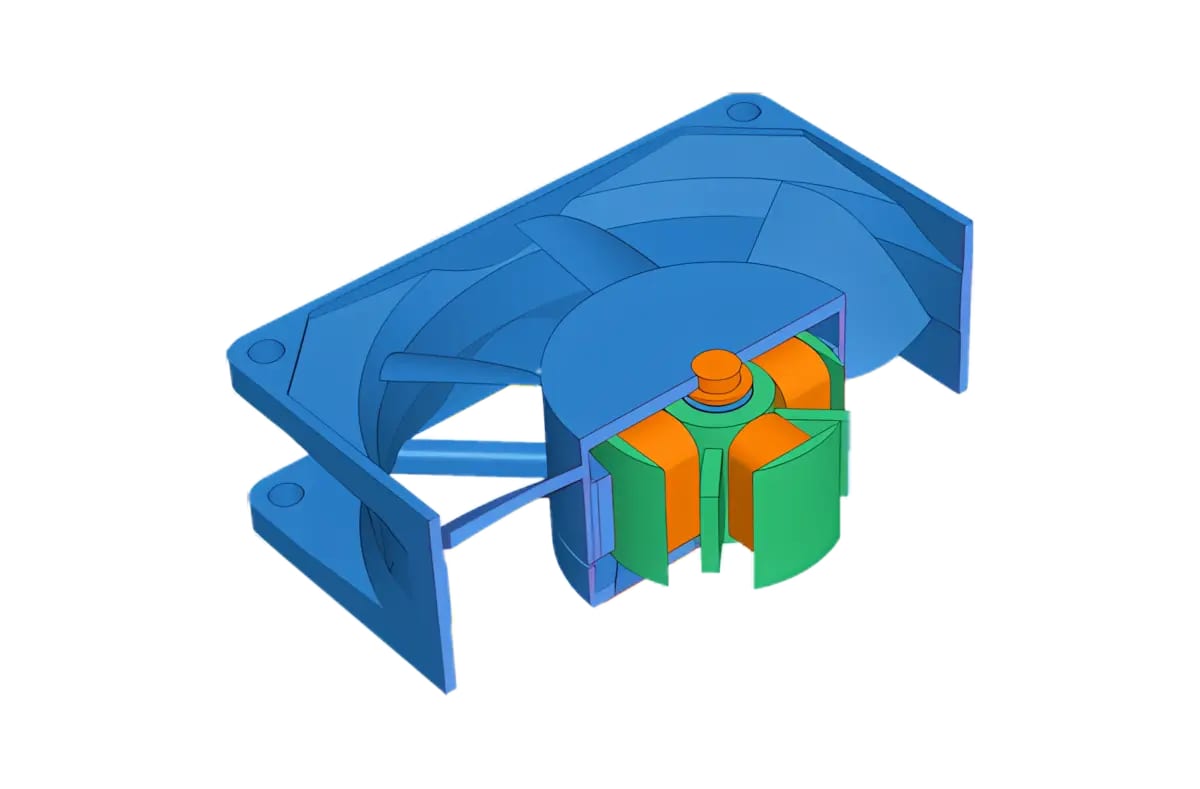
Create informative views for presentations, meetings, quotes and technical documentation with just a few clicks. Hide parts and assemblies, make components transparent or combine cross-sections with exploded views.
Create reports with bills of materials (BOM), model information, dimensions and weights.


With 3D-Tool, you estimate manufacturing costs faster and prepare quotes more easily.
The Model Info tool with material database quickly and easily provides dimensions, surface area, volume, weight and center of mass for parts and assemblies. 3D-Tool Premium also supports the display of Product Manufacturing Information (PMI).
For detailed measurement of designs, you need neither CAD expertise nor lengthy training.
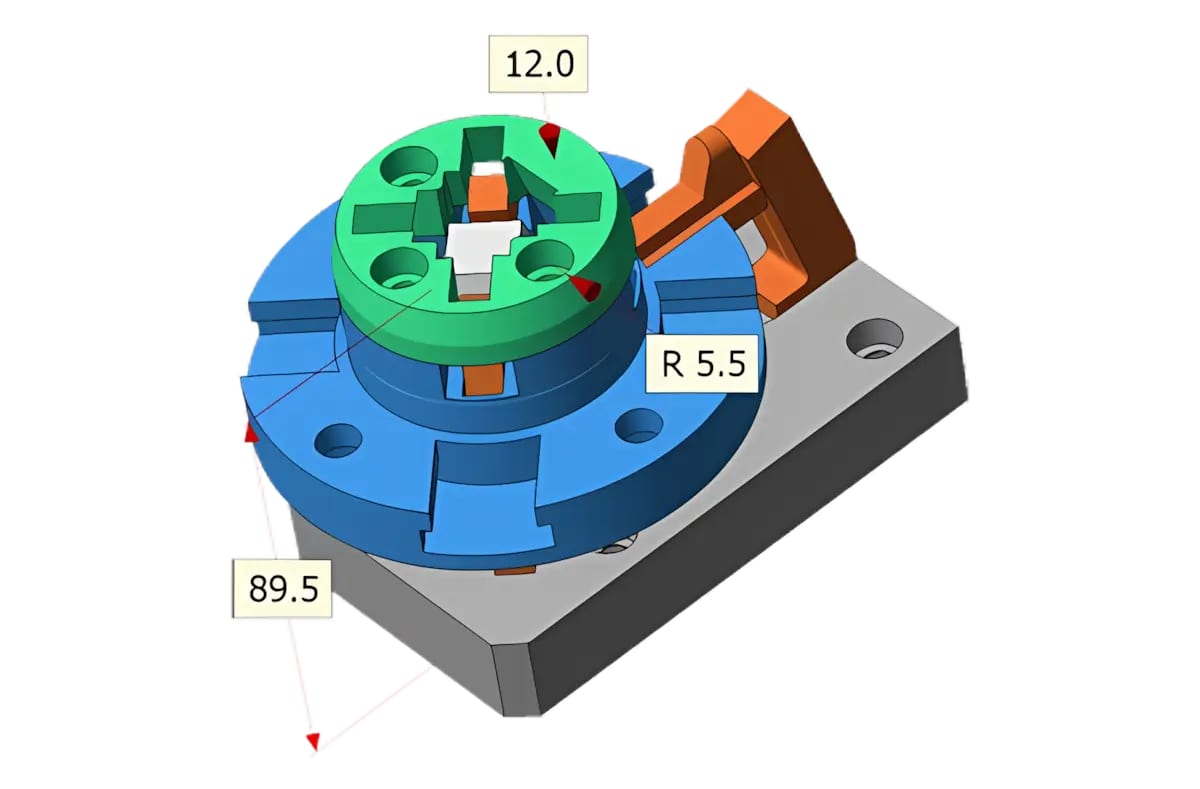
3D-Tool provides measurement tools for distances, angles, radii, wall thicknesses and clearances. The viewer also calculates centers of mass, surface areas, contour lengths and the minimum bounding box of parts. When you move the mouse pointer over the model, intelligent preselection helps you choose suitable measurement references for every measurement.


You do not need a CAD workstation to estimate manufacturing costs, for example in toolmaking.
Use the 3D-Tool analysis tools and features for specific inspection tasks:
3D-Tool Premium provides interfaces not only for common 3D files such as STEP, JT and IGES, but also for native CAD files directly from CATIA, Designcenter (Siemens NX), SolidWorks, Designcenter Solid Edge, Creo, AutoCAD, Autodesk Inventor, Navisworks and Rhino.
The 3D-Tool Viewer uses the visualization data from native CAD files. This allows it to open large assemblies even on standard PCs.


Use 3D-Tool Premium as a universal and flexible interface between your CAD program and the different format requirements of your customers and suppliers.
The 3D-NativeCAD Converter in 3D-Tool Premium converts 3D models from all major CAD systems to the 3D exchange formats STEP, JT, Parasolid X_T, IGES and SAT.
The 3D-NativeCAD Converter also creates 3D product visualization formats such as 3D-PDF, 3D-HTML, FBX, 3MF and glTF.
Tens of thousands of users worldwide use 3D-Tool for daily work with CAD data - including development, purchasing, sales, manufacturing, production planning and quality assurance.
"I use 3D-Tool to collaborate with suppliers and customers. Especially exporting an exe file with custom views and notes is very useful..."
Danfoss Electronic Controls & Sensors, Denmark
"Collaboration locally, nationally, and internationally is critical to developing successful products. 3D-Tool facilitates fast, efficient, detailed collaboration..."
Honeywell, USA
"Regarding 3D-Tool - we believe it is a great product and I was recommending it to our business partners..."
Presstran Industries Cosma International, USA

The 3D-Tool Viewer provides all functions for measuring and analyzing 3D models and 2D drawings in the three license editions Basic, Advanced and Premium. The editions differ mainly in their supported import interfaces. The 3D-NativeCAD Converter is available only with a Premium license.
Choose the edition that fits your CAD data - from the lean entry-level version to the complete Premium interface for professional data exchange.
BASIC
€ 200 / one-time
Per single-user license, plus VAT.
ADVANCED
€ 400 / one-time
Per single-user license, plus VAT.
PREMIUM
€ 800 / one-time
Per single-user license, plus VAT.
All prices include free support.