Native CAD interfaces
Direct support for the CAD formats listed here.
Modern, easy-to-use CAD viewer
Cost-effective CAD converter for all formats
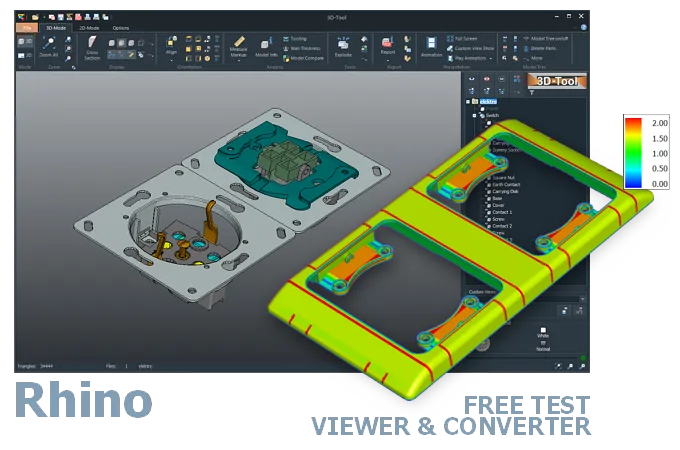
The 3D-Tool Viewer opens Rhino 3DM files without Rhino software.
The 3D-NativeCAD Converter converts Rhino models to CAD exchange formats such as STEP, IGES, JT, SAT, and Parasolid X_T. It also supports visualization formats such as STL, OBJ, 3D-PDF, 3D-HTML, FBX, 3MF, and glTF.

Direct support for the CAD formats listed here.
Fully functional, no obligation.
Stable, precise CAD data processing.
Compatible with current Windows versions.
3DM files from Rhino typically originate in product design, architecture, or jewelry design and later need checking by people without a Rhino license of their own - for example in engineering, manufacturing, or at a tooling supplier. The 3D-Tool Viewer opens Rhino models directly and allows measurements on the freeform geometry.
For further use in a conventional CAD/CAM or manufacturing environment, the 3D-NativeCAD Converter turns 3DM models into STEP and other common exchange formats, so Rhino designs can be used technically beyond the design and architecture world as well.
A public beta version of Rhino was released as early as 1994. However, it took four years for the first official version, Rhino 1.0, to be released in October 1998. Since then, a new major version has been released every 4 to 5 years.
You can export models from newer releases to older 3DM versions, except version 1. Depending on the version, different features and objects may be lost.
3DM is the only native Rhino file format. Rhino now supports a wide range of file formats as standard, including STEP, IGES, SolidWorks, X_T, OBJ, and WRL.
Paid plug-ins add other CAD formats such as CATIA, Designcenter (Siemens NX), Creo, and Inventor.
Typically, a Rhino3D installation is used for this. Alternatively, the files can also be opened with CAD/CAM software that has a 3DM interface, such as SolidWorks.
There are various Rhino 3DM viewers, including free ones, available offline, online and as apps for Android and iOS.
The 3D-Tool CAD Viewer opens 3DM files and combines ease of use with many measurement and analysis tools. 3D-Tool can be tested free for 14 days.
Convert Rhino 3DM models to STEP with a 3D converter. The 3D-NativeCAD Converter in 3D-Tool Premium reliably converts native Rhino models and models from many other CAD systems to common 3D exchange formats. Choose from STEP, IGES, SAT, and Parasolid X_T.
Without a converter or CAD software with a 3DM interface, export the model from Rhino to a common 3D exchange format such as STEP or IGES.
3D-Tool is a CAD Viewer with many native CAD interfaces, including Rhino, plus professional measurement tools, draft analysis, and wall thickness analysis.
Free, no-obligation 14-day trial with all functions, the Rhino interfaces, and the 3D-NativeCAD Converter. The trial key activates all 3D interfaces, including CATIA, Designcenter (Siemens NX), SolidWorks, Creo, STEP, and SAT.