Native CAD interfaces
Direct support for the CAD formats listed here.
Modern, easy-to-use CAD viewer
Cost-effective CAD converter for all formats
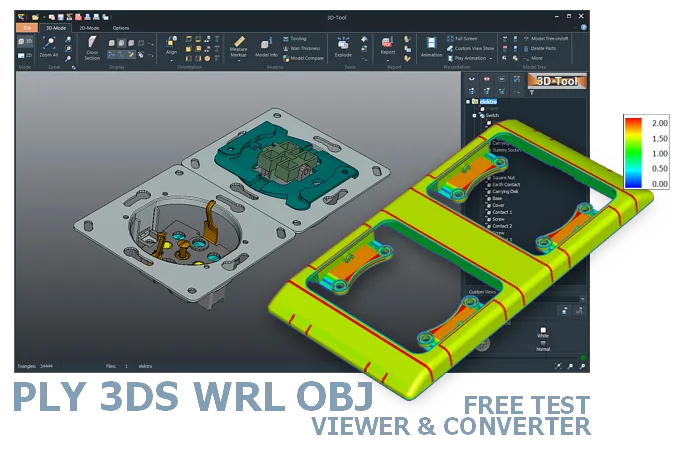
The 3D-Tool Viewer opens PLY, 3DS, WRL, and OBJ files without any additional CAD software.
The 3D-NativeCAD Converter exports visualization models to formats such as JT, STL, U3D, 3D-PDF, and 3D-HTML.
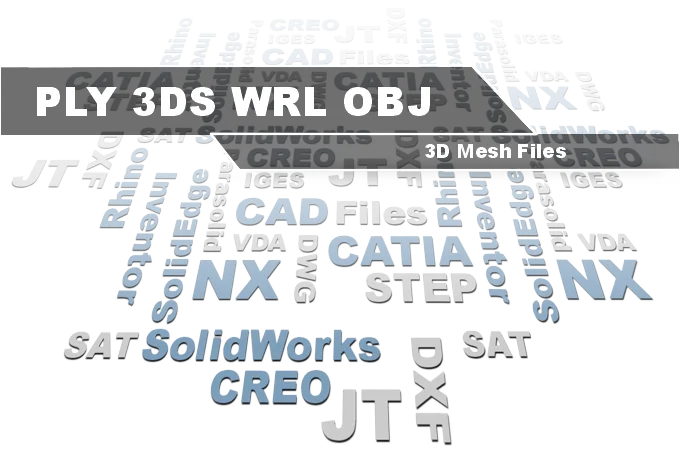
Direct support for the CAD formats listed here.
Fully functional, no obligation.
Stable, precise CAD data processing.
Compatible with current Windows versions.
3D-Tool opens PLY, 3DS, WRL, and OBJ files even when they come from a 3D scan or were created with software that barely exists today, such as old 3DS or WRL archives. That means opening a model without first hunting for a matching legacy program or a browser plugin that no longer runs in modern browsers.
The 3D-Tool CAD Viewer measures and analyzes these models directly, for example to check the dimensions of a 3D scan or inspect an older visualization model before reusing it, including volume, weight, and wall thickness calculations.
PLY and OBJ files, and less commonly WRL files, are used not only in visualization and animation but also in 3D printing and rapid prototyping. Unlike STL files, color information is officially specified. However, not all surface properties are interpreted correctly by modern rendering software.
The file format with the most options is WRL in version VRML 2.0. A VRML scene can contain multiple 3D objects, including hierarchy, animations, and multimedia elements. A scene can also consist of several networked WRL files, and the objects can be contained in different levels of detail.
Most 3D printing and rapid prototyping programs should support OBJ and PLY files. Modern rendering software such as Blender and 3DStudio MAX import all four formats, possibly via plugins.
There are also various free online viewers. However, the focus here is on the presentation and less on measuring and analyzing the design.
The 3D-Tool Viewer opens PLY, 3DS, WRL, and OBJ files as well as many other 3D formats. It provides extensive measurement tools, including calculation of volume, weight, and the minimum bounding box, as well as wall thickness analysis.
The conversion between triangulated formats is relatively simple. Even the Basic version of the 3D-Tool CAD Viewer supports the import and export of all common Mesh formats, including U3D and 3D PDF.
On the Internet you often find the question of how to convert OBJ to STEP, or generally triangulated formats such as STL, 3MF, 3DS, PLY into an exact 3D CAD format. Automatic conversion is not possible. Using special software, the many triangles of the model must be converted more or less manually into exact surfaces (reverse engineering).
3D-Tool is an intuitive CAD Viewer available in one free and three commercial license versions, always with professional information and measurement functions.
Download 3D-Tool, start it, and request a trial key. Test all features, all interfaces, and the 3D-NativeCAD Converter for 14 days.