Measure in cross sections and exploded views
Add dimensions and control annotation visibility
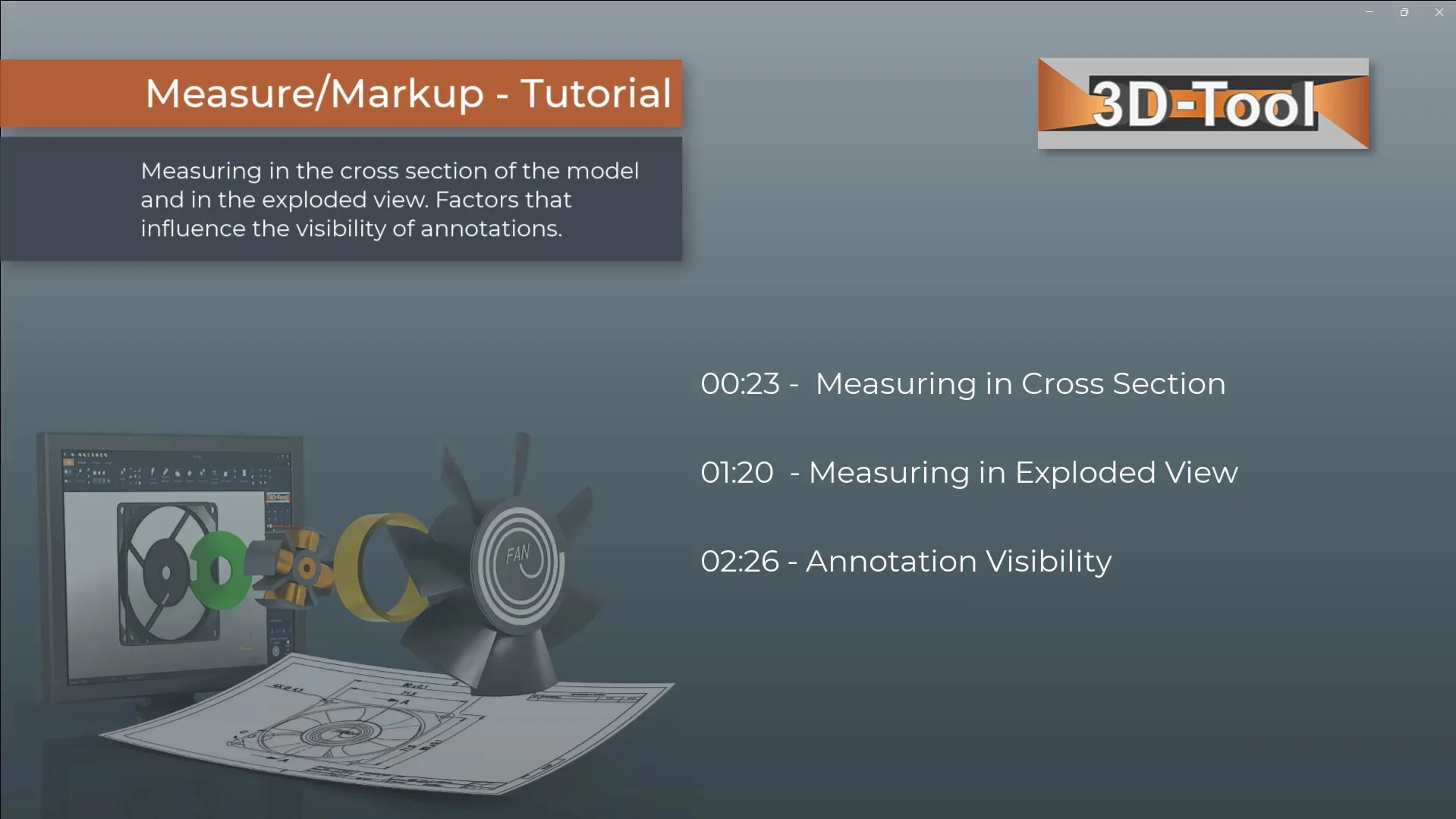
Chapter selection
Video content
- Measuring in Cross Section
- Measuring in Exploded View
- Annotation Visibility
Transcript of the video
In this tutorial you will learn how to measure in cross-section and exploded views and how you can hide or show all and individual annotations and dimensions.
A cross-section allows you to examine parts inside a model. The Measure/Markup tool can also be used in the cross-section. Also the section line and its edge points can be used as measurement references.
The Explode tool explodes assemblies with just a few mouse clicks. So you see internal structures and hidden parts. By default the Measure/Markup tool switches off the exploded display, because not all measurement functions are available on exploded parts. But some basic measurements are also possible on exploded parts. Just reactivate the exploded display.
Several factors determine the visibility of dimension and markups. There is an automatic and a manual show and hide. When hiding parts, all annotations that are on that part are hidden with it. In the cross-section, annotations that are on the invisible side of the section are hidden. In the exploded view, annotations that become invalid due to the explosion are hidden. These are mainly distances and angles between parts. And finally, there are a number of tools in which annotations do not work or would interfere, such as the Tooling analysis.
In the Display group dimensions and annotations can be completely switched off. While the list of measures and Markups controls the visibility of individual annotations. This is where you turn individual annotation on and off. Frozen annotations are invalidated by exploded parts and hidden. Switching on and off does not take effect until the annotations become valid again. The Copy annotation list button copies the list of the annotations to the Clipboard. This allows you to easily transfer all values to a spreadsheet or word processor.