Video Measure & Markup - filters and settings
intuitive & practical 3D without CAD expertise
affordable & universal many 3D/2D interfaces
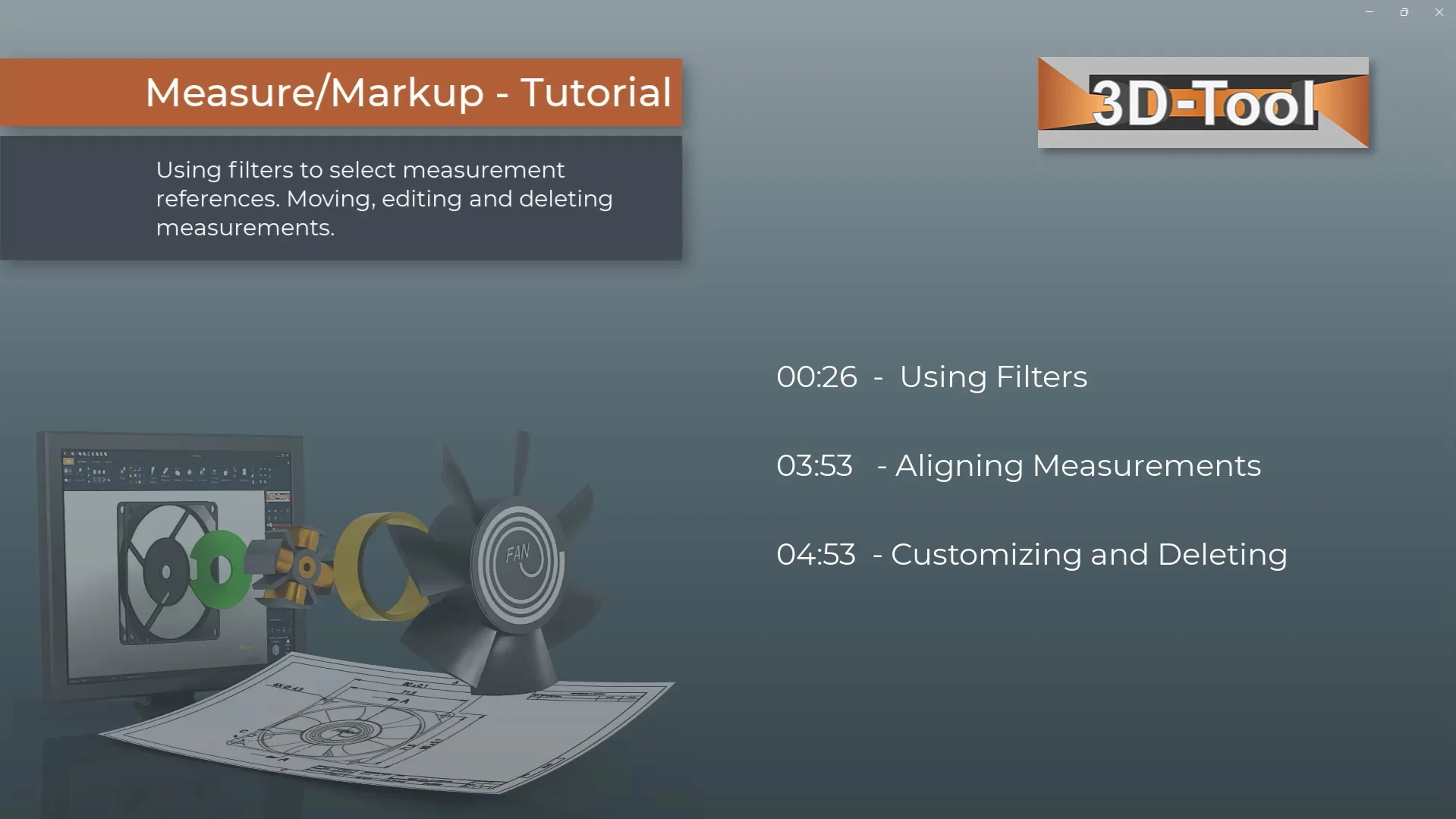
Video Contents
This is the second video tutorial on the measurement functions in the 3D-Tool CAD Viewer. It shows useful details for working efficiently with the measurement tools. Use measurement filters such as point, circle, edge, plane, and other filters to select measurement references precisely on your 3D models. Move the text and leader points of dimensions and notes. Adjust text size, color, and decimal places for annotations and dimensions in the CAD Viewer.